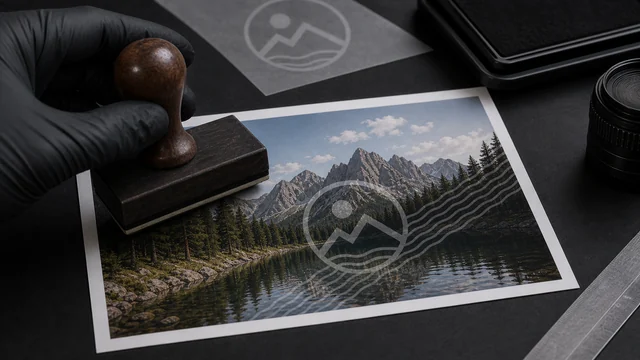
Add a text watermark to images
image cat tiles a 45° semi-transparent text watermark across your images locally in your browser — for copyright notices, anti-theft, or “draft / for review” labels. Supports any characters, batch processing, and files are never uploaded.
How to watermark image
- 1Drop one or more images.
- 2Type the watermark text.
- 3Click “Add watermark & download”.
- 4Download the watermarked images individually or as a ZIP.
Why use image cat's Watermark Image?
- Local processing: images stay on your device.
- Any script supported: text is rasterized with system fonts, so any characters work.
- Full-image tiling, semi-transparent — resists cropping out.
Frequently asked questions
Yes. image cat rasterizes the watermark text using the browser's system fonts, so CJK, emoji and any characters work.
The current version tiles a 45° semi-transparent watermark across the whole image; custom position, opacity and font size are coming in a later version.
Updated · image cat team
Sources, review and limits
Last verified
2026-06-17
Author
Image-Cat editorial team
Reviewer
Image-Cat tooling review
Primary sources
- Browser image decoding, Canvas and download APIs
- Common social, web and device image-size presets
- User-provided images processed locally
Compression and resizing can change quality, metadata and color. Keep originals and verify output before publishing or printing.