Circle crop / crop image into a circle
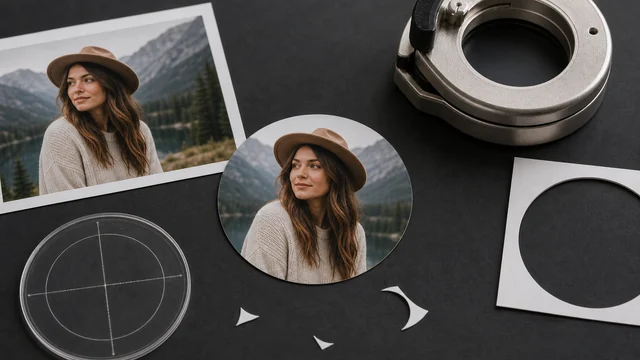
Circle cropping turns a square or rectangular image into a perfect circle with transparency outside it — handy for avatars, logos and round stickers. image cat takes the center square of your image, crops it to a circle and exports a transparent PNG you can use as an avatar right away — all local, never uploaded.
Crops the center square into a circle and outputs a transparent PNG — perfect for avatars.
How to circle crop / round avatar
- 1Drop or pick 1 image (best with the subject centered).
- 2The tool auto-takes the center square and crops it to a circle, with a live preview.
- 3Click “Download circle PNG” to save the transparent round image.
Why use image cat's Circle Crop / Round Avatar?
- Local and private: your photo never leaves your device.
- Transparent PNG: clean on any background color — no white corners.
- Free, no watermark: unlike many avatar tools that watermark or require sign-in.
Frequently asked questions
No. Cropping runs entirely in your browser; nothing is uploaded.
The tool takes the largest center square, then crops a circle. If your subject is off to one side, use the Crop tool first to center it, then circle-crop.
Everything outside the circle has to be transparent, and only PNG (or WebP) supports an alpha channel — JPG would fill the corners with white or black.
Updated · image cat team
Sources, review and limits
Last verified
2026-06-17
Author
Image-Cat editorial team
Reviewer
Image-Cat tooling review
Primary sources
- Browser image decoding, Canvas and download APIs
- Common social, web and device image-size presets
- User-provided images processed locally
Compression and resizing can change quality, metadata and color. Keep originals and verify output before publishing or printing.