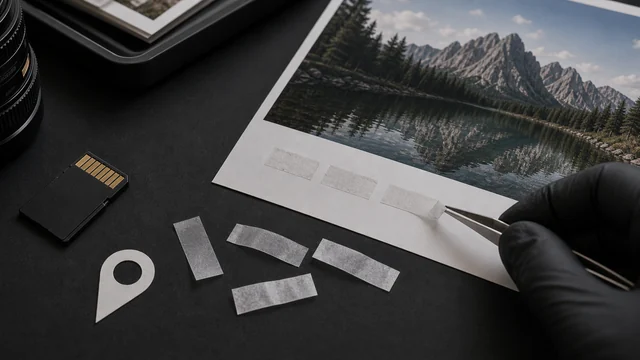
Remove image EXIF metadata (incl. GPS)
Photos often embed EXIF metadata — capture time, camera model, even GPS location. Clearing it before sharing protects your privacy. image cat losslessly strips EXIF/GPS/XMP and more from JPG/PNG in your browser (pixels unchanged), files never uploaded.
JPG / PNG are stripped losslessly — only metadata is removed, image quality is untouched. Other formats are cleaned by re-encoding (slightly lossy).
How to remove exif data
- 1Drop one or more images.
- 2Click “Strip metadata & download”.
- 3See what was removed per image (GPS / capture info, etc.).
- 4Download the clean versions individually or as a ZIP.
Why use image cat's Remove EXIF Data?
- Lossless strip: JPG/PNG keep their exact pixels — only metadata is removed.
- Protect location privacy: clear GPS so a shared photo doesn't leak your home/whereabouts.
- Local processing: sensitive photos never leave your device.
Frequently asked questions
EXIF can hold capture time, camera/phone model and settings, and most sensitively the GPS location. Clearing it before posting avoids exposing your location and device.
No. For JPG/PNG, image cat does a byte-level lossless strip — only metadata segments are removed, pixels are untouched.
Updated · image cat team
Sources, review and limits
Last verified
2026-06-17
Author
Image-Cat editorial team
Reviewer
Image-Cat tooling review
Primary sources
- Browser image decoding, Canvas and download APIs
- Common social, web and device image-size presets
- User-provided images processed locally
Compression and resizing can change quality, metadata and color. Keep originals and verify output before publishing or printing.