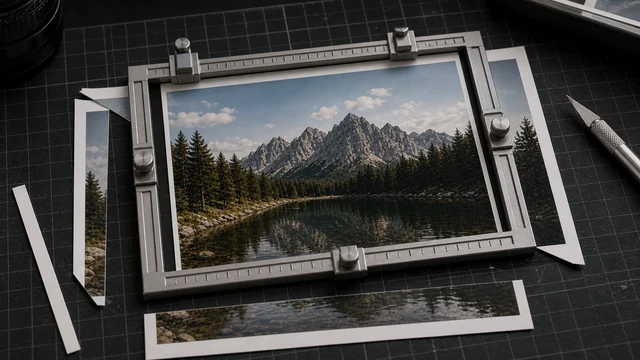
Crop an image online
Cropping keeps a rectangular region of your image and discards the rest. image cat gives you a draggable crop box right in your browser, with free or 1:1 / 4:3 / 16:9 / 3:2 ratios — all local, files never uploaded.
Drag & drop or click to select filesSelect 1 image
How to crop image
- 1Drop or select 1 image.
- 2Drag the box to move, drag the corners to resize; optionally lock a ratio.
- 3Pick an output format.
- 4Click “Crop & download” to save.
Why use image cat's Crop Image?
- Local cropping: images stay on your device.
- Visual and exact: WYSIWYG crop box with a live size readout.
- Ratio presets: align avatars, covers and social posts in one click.
Frequently asked questions
No extra compression — cropping just keeps the selected pixels. PNG output is lossless; JPG/WebP use high-quality encoding with virtually no visible difference.
Yes. Pick 1:1 / 4:3 / 16:9 / 3:2 and the box locks to that aspect ratio — ideal for ID photos and social covers.
Updated · image cat team
Sources, review and limits
Last verified
2026-06-17
Author
Image-Cat editorial team
Reviewer
Image-Cat tooling review
Primary sources
- Browser image decoding, Canvas and download APIs
- Common social, web and device image-size presets
- User-provided images processed locally
Compression and resizing can change quality, metadata and color. Keep originals and verify output before publishing or printing.