Social media image resizer
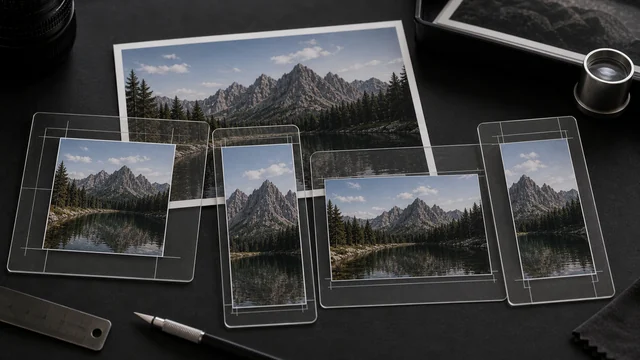
Each platform has fixed sizes for posts, covers and thumbnails. image cat ships presets for Instagram / X (Twitter) / Facebook / YouTube / LinkedIn / Pinterest and crops to size in one click, batch across platforms and images — all local, files never uploaded.
Pick target sizes (multi-select)
X / Twitter
YouTube
How to social media resizer
- 1Drop one or more images.
- 2Tick the target platform sizes (multi-select).
- 3Pick an output format.
- 4Click “Crop to selected sizes”, individually or as a ZIP.
Why use image cat's Social Media Resizer?
- Covers major platforms: IG post/story, X header, YouTube thumbnail, Pinterest and more.
- Cover-crop, centered: no distortion, no letterboxing — compliant out of the box.
- Batch × multi-size: one image, many platform versions at once.
Frequently asked questions
No. image cat uses centered cover-crop to the target size — it only trims excess edges, so the subject isn't stretched and there are no borders.
Yes. Select multiple presets and drop multiple images; image cat produces every selected size for each image and zips them.
Updated · image cat team
Sources, review and limits
Last verified
2026-06-17
Author
Image-Cat editorial team
Reviewer
Image-Cat tooling review
Primary sources
- Browser image decoding, Canvas and download APIs
- Common social, web and device image-size presets
- User-provided images processed locally
Compression and resizing can change quality, metadata and color. Keep originals and verify output before publishing or printing.