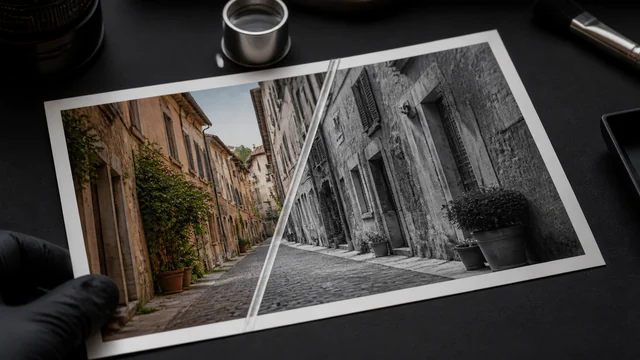
Black & white photo converter / grayscale
Converting to black & white strips color and keeps only light and shade. image cat uses luminance weighting (not a flat average) for natural-looking tones that don't go muddy, plus a Sepia option for an old-photo feel. Everything runs locally in your browser — images are never uploaded.
Luminance-weighted grayscale looks more natural than a flat desaturate; Sepia adds an old-photo tone.
How to black & white photo converter
- 1Drop or pick 1 color image.
- 2Choose a style — B&W or Sepia — and an output format.
- 3Preview live and click “Download”.
Why use image cat's Black & White Photo Converter?
- Luminance-weighted: 0.299R+0.587G+0.114B matches how the eye perceives brightness, avoiding the flat, washed-out look of a plain desaturate.
- Local and private: your photo never leaves your device.
- Two styles in one: classic black & white and a vintage Sepia tone.
Frequently asked questions
Same idea, but here it runs locally with luminance weighting and your choice of format/quality, with no upload and no extra recompression — good for preparing B&W images for web or print.
No. The conversion is entirely local in your browser; nothing is uploaded.
Sepia layers a warm brown tone over the grayscale for a nostalgic, old-photo look — great for vintage posters or aged-photo effects.
Updated · image cat team
Sources, review and limits
Last verified
2026-06-17
Author
Image-Cat editorial team
Reviewer
Image-Cat tooling review
Primary sources
- Browser image decoding, Canvas and download APIs
- Common social, web and device image-size presets
- User-provided images processed locally
Compression and resizing can change quality, metadata and color. Keep originals and verify output before publishing or printing.