Image to Base64 / Data URI
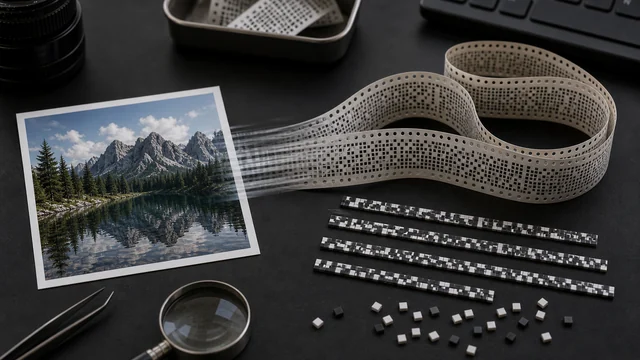
Base64 encoding turns an image's binary into plain text (a Data URI) you can inline directly into an HTML <img src> or a CSS background, saving an extra image request. image cat encodes your image to a Base64 Data URI locally in your browser and lets you copy it as a string or as CSS — nothing is uploaded.
Base64 encodes an image as plain text you can inline into an HTML <img src> or CSS. Note: it's ~33% larger than the original file — best for small icons.
How to image to base64
- 1Drop or pick 1 image (icons and small images are ideal).
- 2The tool reads and encodes it locally to a Base64 Data URI in the text box.
- 3Click “Copy” for the Data URI, or “Copy as CSS background”.
Why use image cat's Image to Base64?
- Local and private: the image never leaves your device — encoding runs in the browser.
- Save a request: inlined icons/small images no longer fire a separate HTTP request, speeding up first paint.
- One-click CSS: copy straight into background-image: url(...) and paste into your styles.
Frequently asked questions
Yes. Base64 encodes every 3 bytes as 4 characters, growing the size by ~33%. So it's best for small icons; inlining large images actually slows the page — use the image file instead.
No. It uses the browser's FileReader to read and encode locally; nothing is uploaded.
In HTML put the whole Data URI in <img src="data:image/png;base64,...">; in CSS use background-image: url("data:..."). The “Copy as CSS background” button assembles that for you.
Updated · image cat team
Sources, review and limits
Last verified
2026-06-17
Author
Image-Cat editorial team
Reviewer
Image-Cat tooling review
Primary sources
- Browser image decoding, Canvas and download APIs
- Common social, web and device image-size presets
- User-provided images processed locally
Compression and resizing can change quality, metadata and color. Keep originals and verify output before publishing or printing.