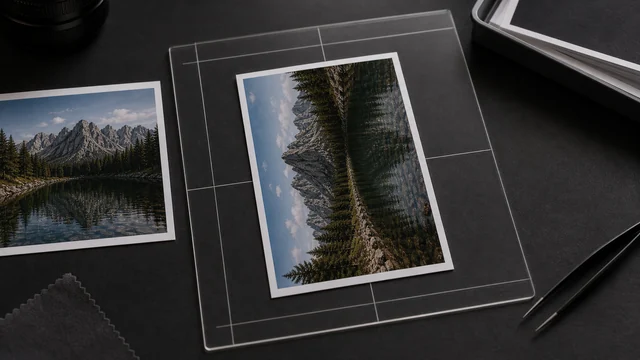
Rotate and flip images
image cat rotates images 90°/180°/270° or flips them horizontally/vertically, locally in your browser — to straighten tilted photos or mirror them. Batch processing with a live preview, files never uploaded.
Drag & drop or click to select filesJPG / PNG / WebP / HEIC supported, several at once
Output format
How to rotate / flip image
- 1Drop one or more images.
- 2Click left/right 90°, 180°, or flip horizontal/vertical — preview updates live.
- 3Pick an output format.
- 4Click “Apply & download”, individually or as a ZIP.
Why use image cat's Rotate / Flip Image?
- Local processing: images stay on your device.
- Consistent batches: rotate/flip a whole set at once.
- Live preview before you apply.
Frequently asked questions
90°/180° rotation is a lossless geometric transform (with PNG output); JPG/WebP output uses high-quality encoding.
Yes. Drop several at once, set the rotation/flip, and image cat applies it to each with a ZIP download.
Updated · image cat team
Sources, review and limits
Last verified
2026-06-17
Author
Image-Cat editorial team
Reviewer
Image-Cat tooling review
Primary sources
- Browser image decoding, Canvas and download APIs
- Common social, web and device image-size presets
- User-provided images processed locally
Compression and resizing can change quality, metadata and color. Keep originals and verify output before publishing or printing.