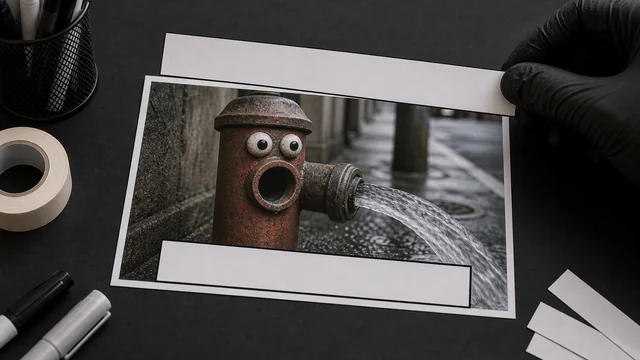
Meme generator / add text to image
A classic meme stacks bold, outlined captions on the top and bottom of an image. image cat adds text (any language) right in your browser with an automatic black outline, adjustable size and color, optional UPPERCASE, a live preview and one-click export — all local, files never uploaded.
How to meme generator
- 1Drop an image to use as the base.
- 2Type a top caption and/or a bottom caption.
- 3Adjust size and color; toggle the black outline and UPPERCASE.
- 4Pick an output format and click “Generate & download”.
Why use image cat's Meme Generator?
- Classic meme layout: top/bottom big text with a black outline in one go.
- Any characters: rasterized with system fonts, so Latin, CJK and emoji all work.
- Local and private: source and result both stay on your device.
Frequently asked questions
Yes. image cat strokes each caption with a black outline before filling it, so white text stays legible over bright or busy images.
Yes. Leave the top field empty and only the bottom caption is drawn (and vice versa).
No. Text is drawn locally in your browser; the base image and the finished meme are never uploaded.
Updated · image cat team
Sources, review and limits
Last verified
2026-06-17
Author
Image-Cat editorial team
Reviewer
Image-Cat tooling review
Primary sources
- Browser image decoding, Canvas and download APIs
- Common social, web and device image-size presets
- User-provided images processed locally
Compression and resizing can change quality, metadata and color. Keep originals and verify output before publishing or printing.