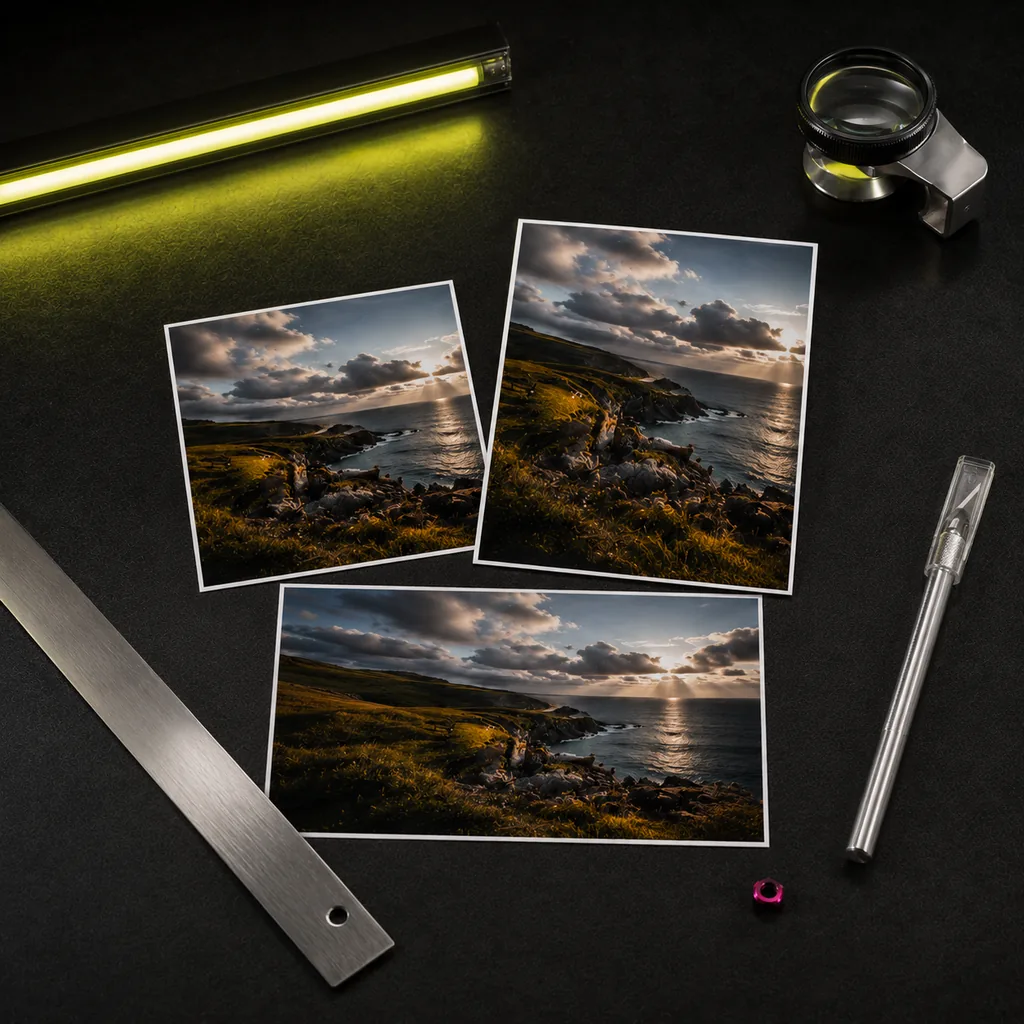
X (Twitter) post image size (1600×900)
Quick answer
A common X (Twitter) post image size is 1600×900 pixels (16:9). image cat pre-selects it for a precise crop.
Pick target sizes (multi-select)
X / Twitter
YouTube
To post an image on X (formerly Twitter), a 1600×900 16:9 landscape shows most completely in the timeline. image cat crops your image to 1600×900 locally — no distortion, no white bars, nothing uploaded.
Why 16:9
X crops timeline previews to roughly 16:9, so 1600×900 lets the whole image show without anyone tapping in, avoiding auto-cropped key content. 1600×900 is also high enough to stay sharp on large screens.
Timeline preview trade-offs
Single-image posts preview close to 16:9, which is why 1600×900 is safest. For multi-image posts, X uses different grid crops, so keep important content centred in each image.
Frequently asked questions
Single-image posts commonly use 1600×900 pixels (16:9), which shows fully in the timeline without auto-cropping.
X crops timeline previews to a fixed ratio. Crop to 16:9 (1600×900) and keep key content centred to avoid it.
No. Cropping runs entirely in your browser; images are never uploaded.
Source-checked platform specs
Updated · image cat team