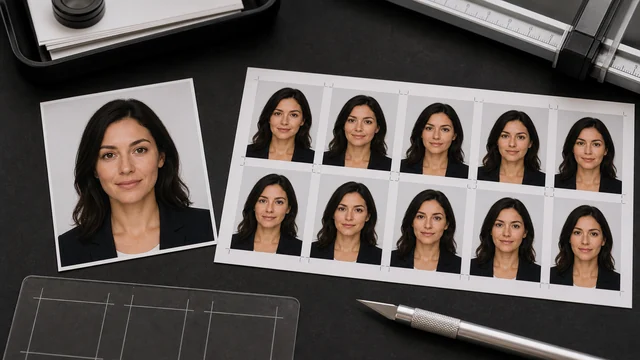
ID photo background swap / maker
An ID photo swap cuts the person out of the original background, replaces it with a required solid color (white/blue/red) and crops to a standard size. image cat does the AI cutout and background swap in your browser, with built-in white/blue/red colors and common ID sizes, in one click. Your portrait is not uploaded; the AI model file may download once and cache locally.
Works best on people/subjects. Fine edges (hair, translucency) may have minor artifacts.
How to id photo background
- 1Drop a front-facing, bare-head portrait.
- 2Pick a background color (white/blue/red) and an ID size.
- 3Click “Make ID photo” — AI removes the background and recolors/crops locally.
- 4Preview and click “Download” to save a JPG.
Why use image cat's ID Photo Background?
- Local and private: your face photo never leaves your device — safer than cloud ID-photo tools.
- Free, no watermark: unlike many ID-photo apps that charge or watermark the result.
- Color + size in one step: standard ID colors and sizes are built in and ready to use.
Frequently asked questions
No. Your portrait stays in the browser. The AI model may be downloaded from a CDN, but the image itself is not sent to a server.
Built-in colors are white, blue and red (common for IDs). Sizes include 1-inch (25×35mm), 2-inch (35×49mm), small-2-inch (35×45mm) and large-1-inch (33×48mm), output at 300dpi.
Sizes and colors follow common specs and suit most online forms and printing. Requirements vary by authority (pixels, ratio, exact background color), so verify against the official spec for formal use.
Updated · image cat team
Sources, review and limits
Last verified
2026-06-17
Author
Image-Cat editorial team
Reviewer
Image-Cat tooling review
Primary sources
- Browser image decoding, Canvas and download APIs
- Common social, web and device image-size presets
- User-provided images processed locally
Compression and resizing can change quality, metadata and color. Keep originals and verify output before publishing or printing.