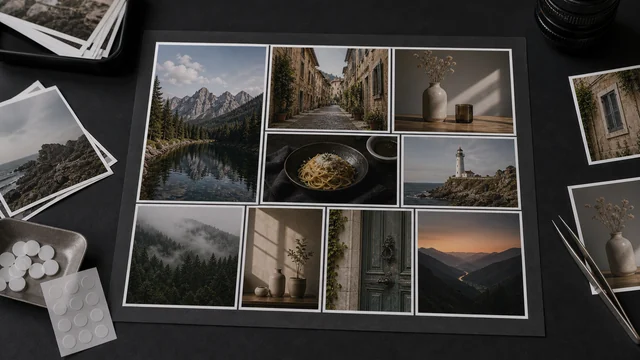
Photo collage / combine images
A collage arranges several photos into one image as a grid, row or column. image cat combines 2–9 images in your browser, with adjustable columns, gap and background color; each cell is cover-cropped so nothing distorts. Live preview, one-click export — all local, files never uploaded.
How to photo collage
- 1Drop 2–9 images at once.
- 2Choose a layout: grid, row or column.
- 3For grids, set the number of columns, then tune gap and background.
- 4Pick an output format and click “Combine & download”.
Why use image cat's Photo Collage?
- Three layouts: grid, horizontal strip and vertical strip.
- Cover-crop per cell: photos aren't stretched, so the result looks tidy.
- Local and private: all your photos stay on your device.
Frequently asked questions
Yes. Drop 9 images, pick the Grid layout and set columns to 3 for a clean 3×3 collage.
Yes. Pick the Column layout to stack all images top-to-bottom into a single tall image — perfect for continuous chat or web screenshots.
No. Each cell uses centered cover-crop to a uniform square, trimming only excess edges, so subjects keep their proportions.
Updated · image cat team
Sources, review and limits
Last verified
2026-06-17
Author
Image-Cat editorial team
Reviewer
Image-Cat tooling review
Primary sources
- Browser image decoding, Canvas and download APIs
- Common social, web and device image-size presets
- User-provided images processed locally
Compression and resizing can change quality, metadata and color. Keep originals and verify output before publishing or printing.