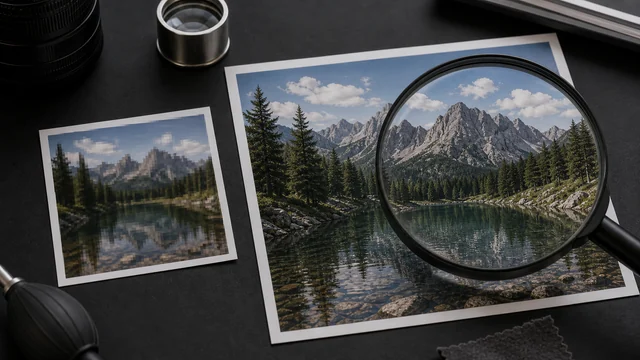
AI image upscaler / super-resolution
Image upscaling (super-resolution) uses an AI model to enlarge a low-resolution image while recovering edges and texture, so it looks sharper than a plain stretch. image cat runs the AI model (Swin2SR) right in your browser to enlarge images 2×, with WebGPU acceleration and an automatic CPU fallback. The model downloads once from a public CDN and is cached; your image is processed locally and is not uploaded.
AI super-resolution is best for enlarging small images (avatars, old photos, thumbnails). CPU mode is slow — a WebGPU browser is recommended.
How to ai image upscaler
- 1Drop or pick 1 image (small images like avatars, old photos and thumbnails benefit most).
- 2Choose an output format (PNG by default for lossless), then click “AI upscale 2×”.
- 3First run downloads a ~50MB model (cached afterwards); wait for local inference to finish.
- 4Compare the result and click “Download”.
Why use image cat's AI Image Upscaler?
- Local and private: images never leave your device — something cloud upscalers can't offer.
- Free with no limits: unlike many online upscalers that charge per image, cap free credits or add watermarks.
- WebGPU acceleration: faster on supported browsers, with an automatic CPU fallback.
Frequently asked questions
Your image is processed in the browser and is not uploaded. The AI model downloads once from a public CDN into your browser cache, then inference runs locally.
This tool enlarges 2× per pass (e.g. 500×500 → 1000×1000). Super-resolution restores detail rather than inventing pixels, so very high factors look unnatural; 2× is the sweet spot. Run the result through again if you need more.
Super-resolution is compute-heavy, especially in CPU mode — a WebGPU browser is recommended. To keep the browser from freezing on huge inputs, images longer than 1024px on the long side are scaled down first, so upscaling is best for images that are already small.
Plain resizing stretches pixels, so enlargements look soft and jagged; AI super-resolution predicts and restores edges and texture for a cleaner result. If you only need a size change without detail recovery, the Resize tool is faster.
Updated · image cat team
Sources, review and limits
Last verified
2026-06-17
Author
Image-Cat editorial team
Reviewer
Image-Cat tooling review
Primary sources
- Browser image decoding, Canvas and download APIs
- Common social, web and device image-size presets
- User-provided images processed locally
Compression and resizing can change quality, metadata and color. Keep originals and verify output before publishing or printing.